
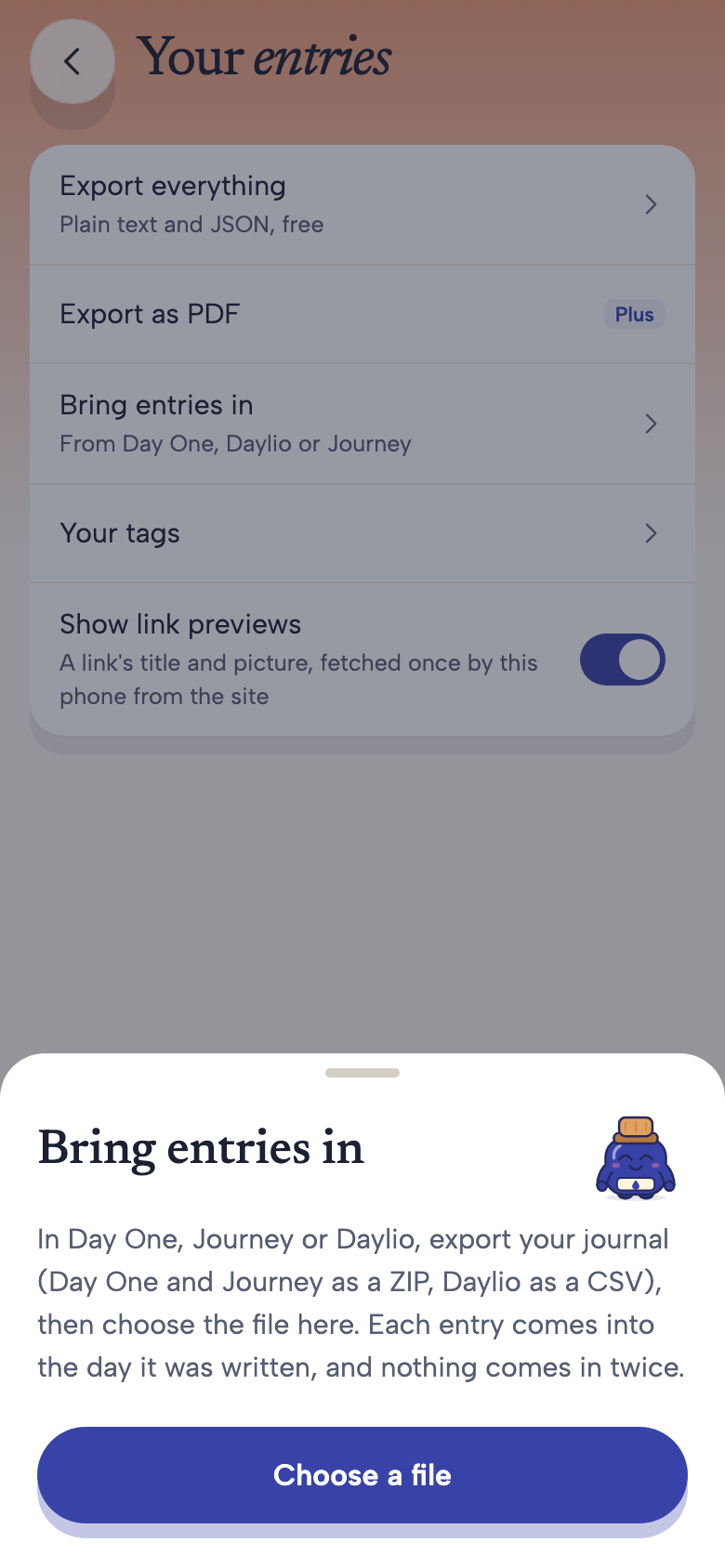
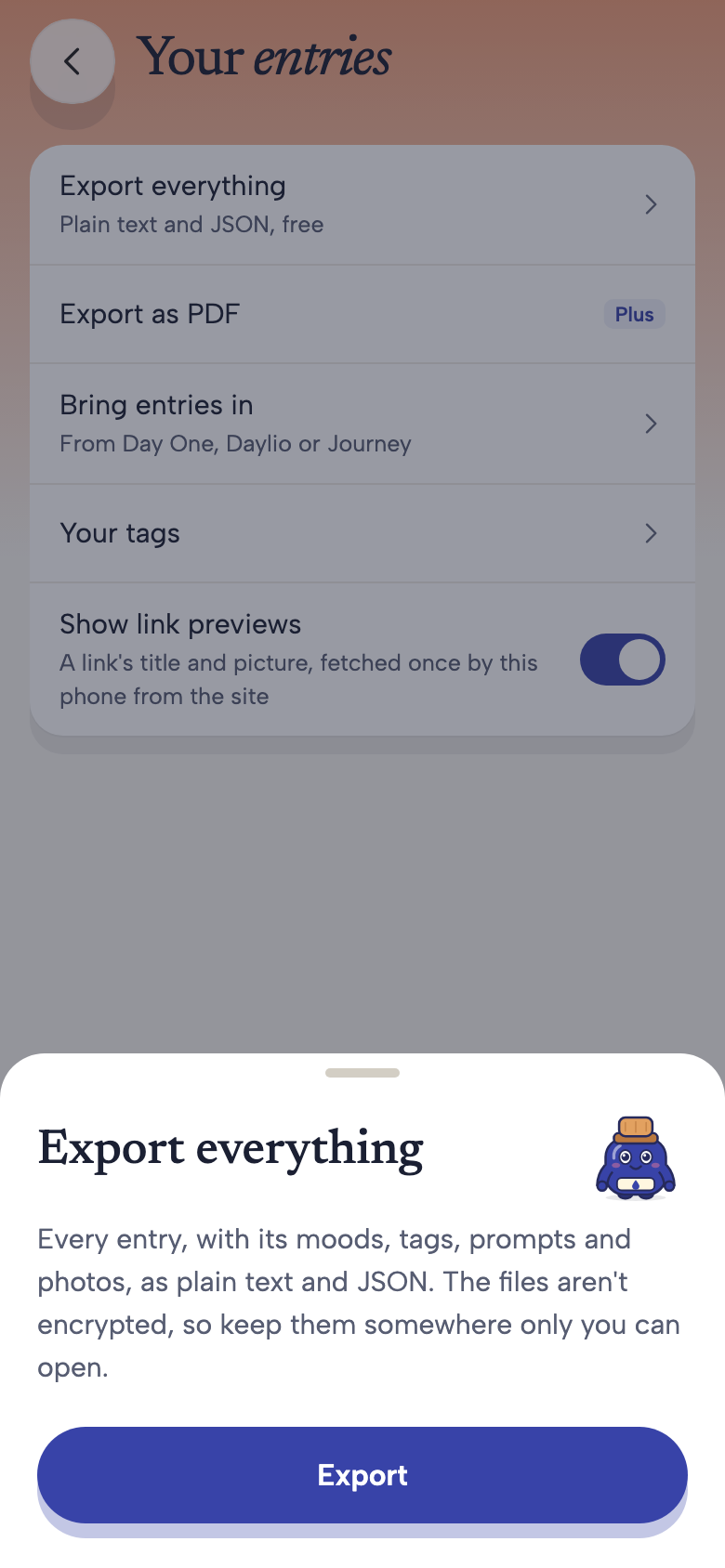
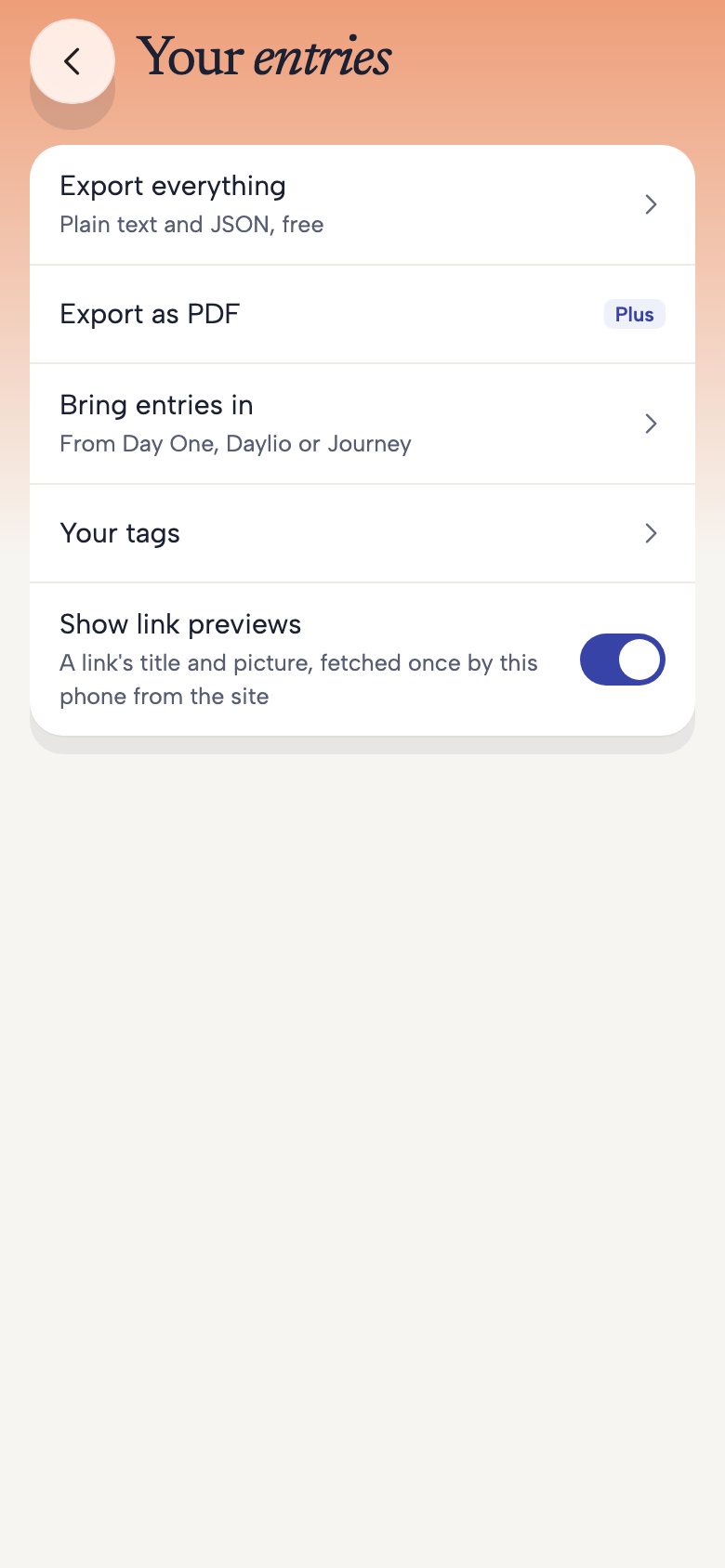
Find import and export together in Your entries. Choose Bring entries in when moving a journal, or Export everything when you want your own copy.
Import & export
Bring your memories.Keep your own copy.
Your writing should not feel trapped in one app. OwnLight has tools to bring supported journal exports in and save a copy of what you have kept, directly from your phone.
See how it worksIn development for iPhone and Android. Features and availability may change before launch.
OWNLIGHT
A closer look
Import supports Day One and Journey ZIP exports, and Daylio CSV. The result tells you what was added, recognised as already present or left out. Keep the original export until you have checked the result.
Export everything creates text and JSON files with available media; Plus adds PDF export. These files are not encrypted by OwnLight once exported. Choose a private destination and be careful when sharing them.
Made for everyday life
Moving a journal is not moving an account
Import does not connect your old account or delete it. Export formats and included media vary by source, and photo limits depend on your OwnLight plan. Not every original format, attachment or setting will transfer.
OWNLIGHT
A few things to know
Does importing delete my old journal?
No. It reads the file you choose. Manage any original account, subscription or data deletion with the provider that holds it.
Is Export everything a privacy access request?
No. It makes a copy of available journal content on your phone. A request for account information or consent records follows the separate process described on the Consent record page.